How to Choose the Right TradingView Indicator: A Buyer's Guide
To choose a TradingView indicator, match it to the strategy, timeframe, and market you already trade, then check six things before you pay: does it repaint, does it handle multiple timeframes correctly, can you backtest it, does it keep charts clean, is it actively updated and supported, and is paid genuinely worth it over free. Use that checklist as your buying guide. An indicator is a visualization and analysis tool, not a profit engine, so the aim is a tool that sharpens your decisions rather than one that claims to make them for you. There is no single list of "best TradingView indicators" - the best one is the one that fits your method.
TradingView indicators are Pine Script tools that take price and volume data, apply a formula, and draw the result on your chart. You are usually choosing between two worlds: free built-in and community scripts (TradingView ships dozens of built-ins, and its public library now holds more than 150,000 community scripts, around half of them open-source), and paid 'invite-only' scripts that require purchased access. This guide is neutral - it names no specific competitor - and walks through the criteria that actually separate a useful tool from an expensive distraction. Nothing here is financial advice.
1. Does it repaint? (the most important technical check)
Repainting is when an indicator's historical behavior differs from its real-time behavior - a signal appears on a still-forming bar, then moves or vanishes once that bar closes. This can make a chart's history look far better than live trading ever will. But here is the nuance most marketing skips: TradingView's own Pine Script documentation notes that more than 95% of indicators repaint in some form, including standard tools like MACD and RSI, whose values fluctuate on the live, still-forming bar until it closes. So 'it repaints' is not automatically 'it's a scam.'
The questions that actually matter are narrower: do signals wait for the bar to close before locking in, and are signals ever redrawn retroactively onto earlier bars (the genuinely misleading kind)? The worst case is lookahead bias - pulling higher-timeframe data in a way that leaks future information into past bars, which inflates backtests and violates TradingView's publishing rules.
- Practical pre-buy test: ask the seller directly whether signals confirm on bar close.
- Practical post-buy test: apply it live during a session and watch whether on-bar signals stay put after each candle closes.
- Cross-check with Bar Replay: step through history and compare what the tool showed live versus what it shows now.
- Remember the caveat: 'non-repainting' only means signals lock on closed candles. It does not guarantee profitability, accuracy, or zero lag - don't treat it as a marketing absolute.
2. Multi-timeframe (MTF) support
Multi-timeframe support lets one indicator calculate on a different timeframe than your chart - for example, showing a Daily moving average or Daily structure while you view a 30-minute chart. To check whether it is genuine, open the indicator's Settings, then Inputs, and look for a 'Timeframe' or 'Resolution' dropdown; if it is there, you can set the calculation timeframe yourself. One caution: MTF and repainting are linked, because higher-timeframe data is the most common source of repainting and lookahead bias. 'Has MTF' and 'handles MTF cleanly' are two different quality bars - confirm both.
3. Can you backtest it?
Here a key distinction trips people up. A plain indicator only visualizes - it does not produce trade statistics. To get a win rate, profit factor, or equity curve you need a Pine strategy script running in the Strategy Tester, or you test your rules manually with Bar Replay. If you are buying a tool specifically to see performance numbers, make sure you are buying a strategy, not an indicator.
- Repainting and lookahead bias inflate backtest results - treat any beautiful historical curve with suspicion until you understand how it was generated.
- Past performance is not predictive, full stop.
- Settings that work best differ by asset, timeframe, and session, and can only be found through your own testing.
- Beware curve-fitting: settings tuned perfectly to history often fall apart live.
4. Clarity and clean charts
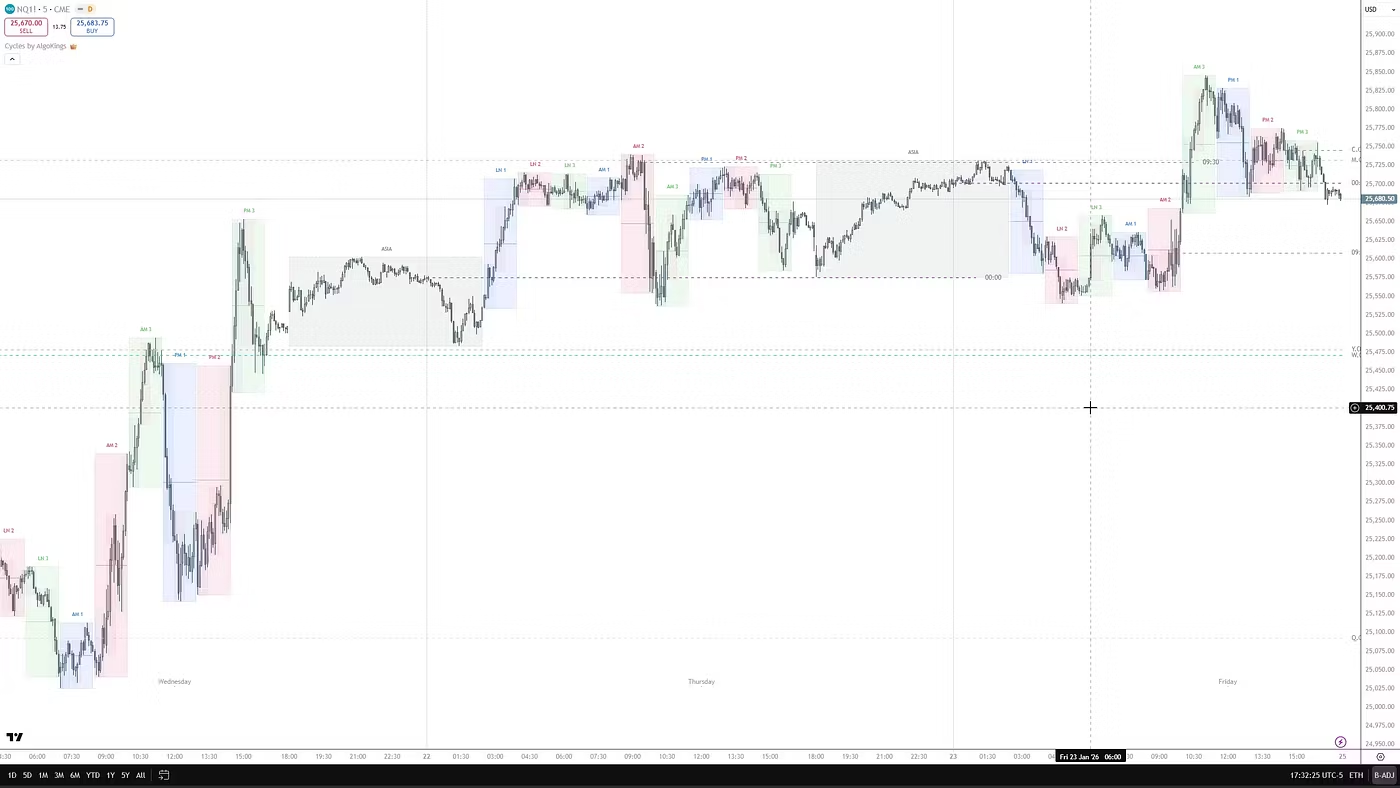
'Best' is not 'most features.' A widely cited mistake is piling on so many indicators that the chart fills with conflicting, redundant signals - at which point it becomes hard to read. A common guideline from educators is roughly two to three complementary tools (for example one structure or trend tool, one momentum tool, and one confirmation), not a dozen overlapping ones. For a visual structure tool specifically, judge it on readable labels, the ability to toggle features on and off, sensible defaults, and output that doesn't bury the price action. Clean, configurable rendering is a legitimate buying criterion in its own right.
5. Updates and support
Pine Script keeps evolving (v4 to v5 to v6), and both markets and TradingView's platform change over time. An abandoned closed-source script can silently break or fall behind, and because you can't read or fix the code yourself, you depend on the vendor. That makes active maintenance, a visible changelog or version history, and a real support channel genuine value - more so for invite-only tools than for open-source ones you could in theory edit. Before subscribing, look for evidence the tool is still being maintained and that questions actually get answered.
6. Paid vs free TradingView indicators: an honest trade-off
TradingView's free tier is more capable than most beginners expect: the full chart engine, all drawing tools, the built-in indicators, and the enormous community library. If your setup is simple - say price action plus a moving average - free is genuinely enough. The free plan does cap how many indicators you can apply per chart (this limit has been low, so check TradingView's current plan page before assuming a number), while paid tiers raise it and add features such as more alerts, custom intervals, and second-based timeframes.
What a paid premium indicator can add is time saved (auto-marking structure you'd otherwise draw by hand), a packaged and coherent methodology, deeper configurability, ongoing updates, support, and education. The balanced view in any paid vs free TradingView indicators decision: a paid tool can improve your efficiency and the quality of your analysis - it is not a prerequisite for profitability. One cost point worth stating plainly: a premium indicator's subscription is separate from any TradingView plan fee, and you do not need a paid TradingView subscription to run an invite-only script. Invite-only scripts work on the free plan; you would only upgrade TradingView itself for reasons like applying more indicators per chart or expanded alerts.
7. Match the tool to your strategy and market
The right indicator follows from your method, timeframe, and market - not the other way around. A scalper on the 5- to 15-minute charts needs different tooling than a swing trader on the daily, and beginners are often better served by higher timeframes with less noise. Just as important, match the methodology: a Smart Money or ICT trader needs structure and liquidity tools (order blocks, fair value gaps, breaks of structure), which are of little use to someone running a pure mean-reversion oscillator - and vice versa. Buy the tool that fits the strategy you already trade, not one you are hoping to build a strategy around.
Finally, check market fit. Concept-based tools built on structure and imbalance tend to be portable across forex, indices, crypto, and stocks, whereas heavily parameter-tuned oscillators are often optimized for a single instrument and travel poorly. If you trade several markets, favor logic that is market-agnostic.
Common mistakes and red flags to avoid
- Chasing a 'holy grail' indicator or a fixed high win-rate - it doesn't exist; treat such claims as marketing.
- Indicator overload - more tools means more conflicting signals and clutter, not better decisions.
- Trusting backtests that repaint or use lookahead bias, or confusing an indicator with a strategy when you actually want statistics.
- Using default settings blindly across every asset and timeframe without testing.
- Buyer-protection red flags: guaranteed-profit promises, 'free premium TradingView' or cracked/shared accounts, requests to install external software to 'unlock' an indicator, brand impersonators on Telegram, and pressure tactics like 'only 3 spots left.' Legitimate indicators run inside TradingView - never off-platform.
Where AlgoKings fits (honestly)
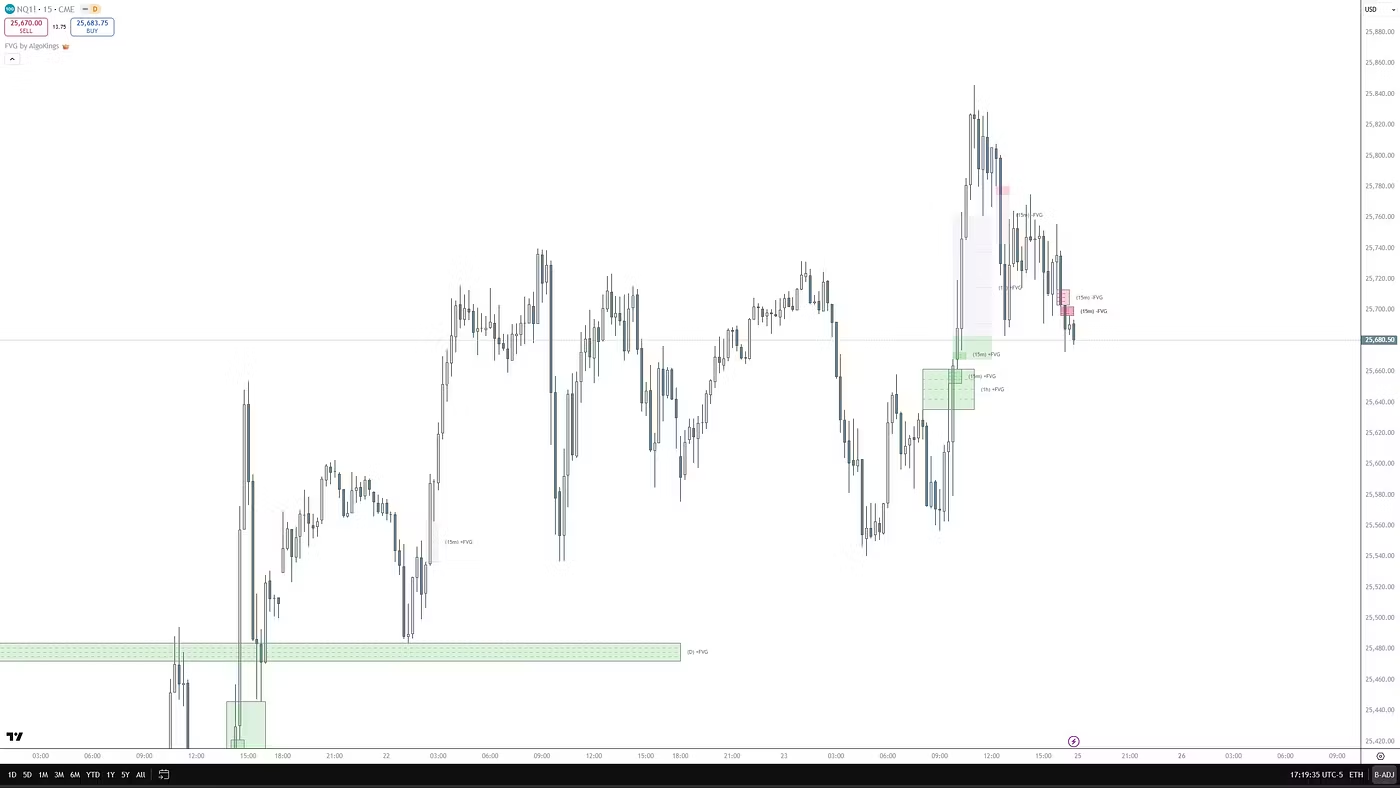
AlgoKings is a specialist, not an everything-pack. Its tools focus on Smart Money Concepts (SMC), ICT, and Goldbach / IPDA methodology - automating order blocks, fair value gaps, liquidity, market structure (BOS/CHoCH), and Goldbach partition and Power of Three levels. That's a clear niche: a strong fit if you trade or want to learn these price-action frameworks, and the wrong fit if you want classic oscillator or trend-following systems. A fair caveat: SMC, ICT, and Goldbach are interpretive, discretionary frameworks popular in the retail trading community - they are methodologies these tools help you apply, not academically validated or guaranteed edges.
Because the logic is concept-based (structure and liquidity rather than tuned parameters), it is designed to be market-agnostic across forex, indices, crypto, and stocks. AlgoKings is also positioned as education plus tools - teaching why a level is drawn rather than selling signals to follow blindly, which is exactly the 'indicator is not a profit engine' principle in practice. The indicators run natively inside TradingView, and purchase and access are handled through Whop.
On access specifically: AlgoKings' indicators are TradingView invite-only scripts. Access is granted to your TradingView username rather than your email - the vendor adds your username to the script's allowed list, and Whop automates granting that access on purchase and revoking it on cancellation. You provide your TradingView username at or after checkout, and you can run invite-only scripts even on a free TradingView plan. For exact onboarding steps, follow AlgoKings' own setup docs.
Frequently asked questions
How do I choose the right TradingView indicator?
Start by matching it to your strategy, timeframe, and market - not the other way around. Then check six things: whether it repaints (do signals confirm on bar close?), whether it handles multiple timeframes without lookahead bias, whether you can backtest it, whether it keeps charts clean, whether it's actively updated and supported, and whether paid is genuinely worth it over the free tools you already have.
Are paid TradingView indicators worth it compared to free ones?
Sometimes. In the paid vs free TradingView indicators trade-off, paid tools can buy you time, a coherent packaged methodology, configurability, ongoing updates, support, and education - but never profitability, which comes from your rules and risk management. TradingView's free built-ins and community scripts are genuinely enough for simple setups. Pay only when a tool clearly saves you time or sharpens analysis for the strategy you actually trade.
What does it mean if an indicator repaints, and is repainting always bad?
Repainting means signals can change, move, or disappear after a bar closes, which can make history look better than live performance. It is not automatically a scam - TradingView's documentation notes that more than 95% of indicators repaint in some form, including MACD and RSI on the live bar. What matters is whether signals confirm on bar close and aren't redrawn retroactively or with lookahead bias. To check, ask the seller, then run it live and watch on-bar signals after each candle closes.
Do I need a paid TradingView subscription to use a purchased or invite-only indicator?
No. Invite-only scripts, including AlgoKings' indicators, run on the free TradingView plan. A premium indicator's subscription is separate from any TradingView plan fee. You would only upgrade TradingView itself for reasons like applying more indicators per chart or expanded alerts - not to run the indicator at all.
How do I get access to an invite-only indicator after I pay through Whop?
Access is granted to your TradingView username rather than your email. After purchase, the vendor adds your username to the script's allowed list, and with AlgoKings this is automated through Whop, which also revokes access if you cancel. You provide your TradingView username at or after checkout, and the indicator then appears under 'Invite-only scripts' in your TradingView Indicators panel. Follow AlgoKings' onboarding docs for the exact steps.
What are SMC, ICT, and Goldbach indicators, and who are they for?
They are price-action frameworks that read the market through assumed institutional behavior - order blocks, fair value gaps, liquidity sweeps, market structure (BOS/CHoCH), and, for Goldbach/IPDA, partition levels combined with Power of Three (accumulation, manipulation, distribution). They suit traders who already use or want to learn these concepts and are not a fit for classic oscillator systems. They are interpretive methodologies these tools help you apply, not validated or guaranteed edges.
Risk disclosure
AlgoKings provides technical analysis indicators and educational material for informational purposes only. Nothing on this website is financial, investment or trading advice. Trading financial instruments carries a high level of risk and may not be suitable for every investor; you can lose some or all of your capital. Indicators do not predict future price movements and do not guarantee any outcome. You are solely responsible for your own trading decisions and risk management. Past performance is not indicative of future results.